Hey [Nickname]!


We are thrilled to announce an exciting upgrade to our church's digital experience! Say hello to your brand-new My MinistrySmart Church Account!


Your account is your personalized portal to everything MinistrySmart Church, right at your fingertips. With just a few clicks, you can access your group records, view your giving history & contribution statements, RSVP for events, update your household information, and so much more.

Please check out the instructions below to ensure your My MSC account is matched to your existing profile!

How do I get Started?

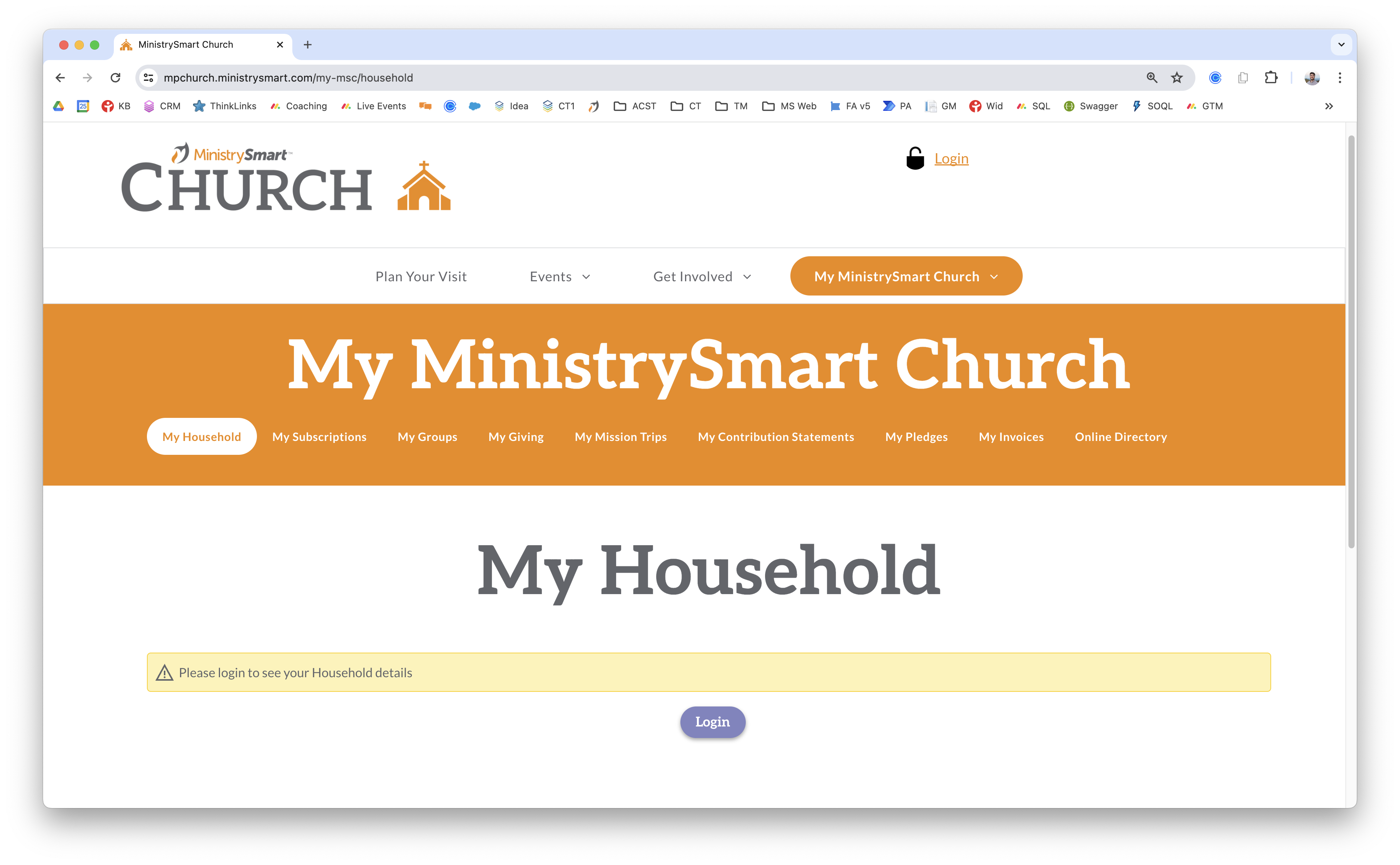
STEP 1


Click "Login"

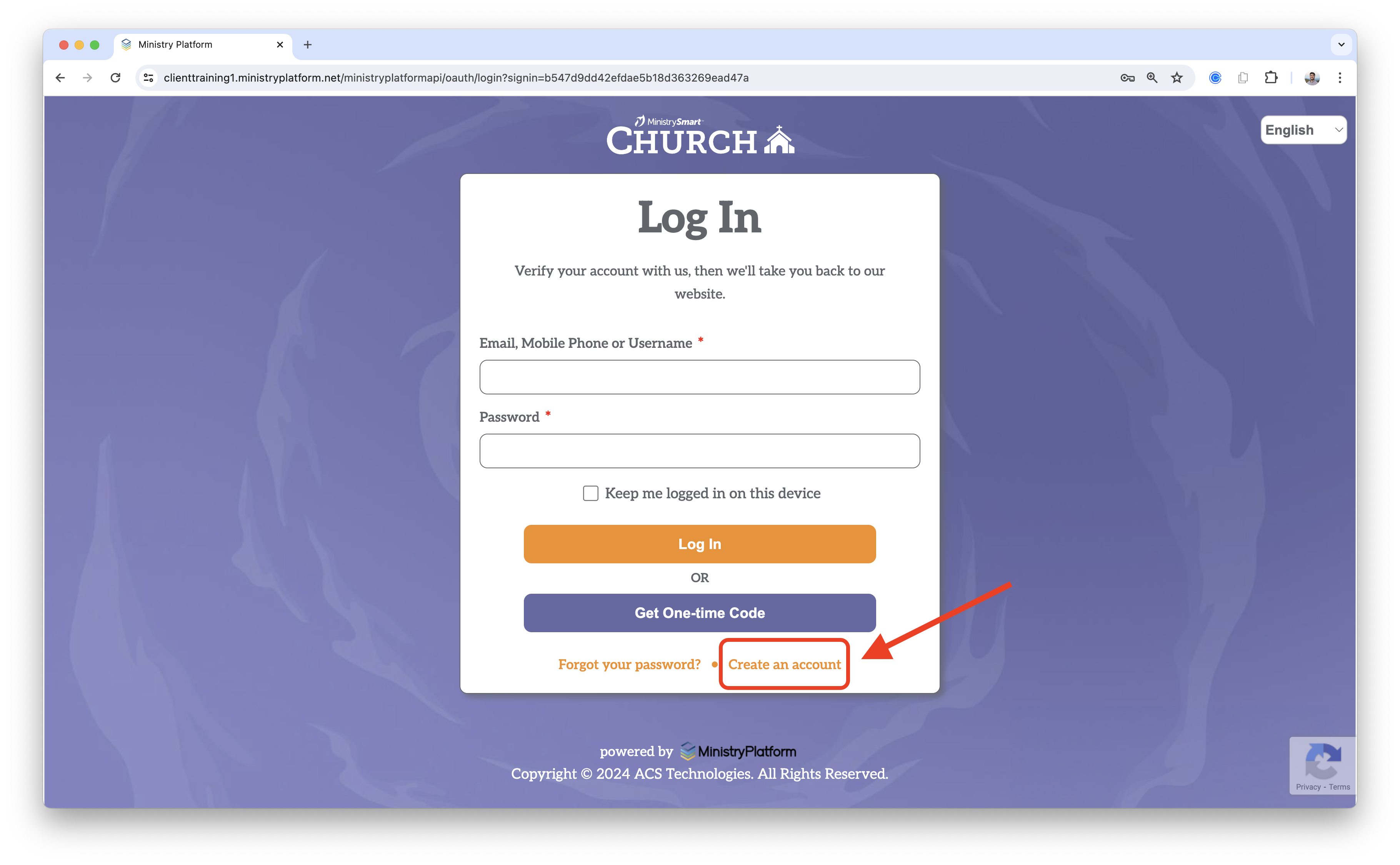
STEP 2


Click "Create an Account"

STEP 3


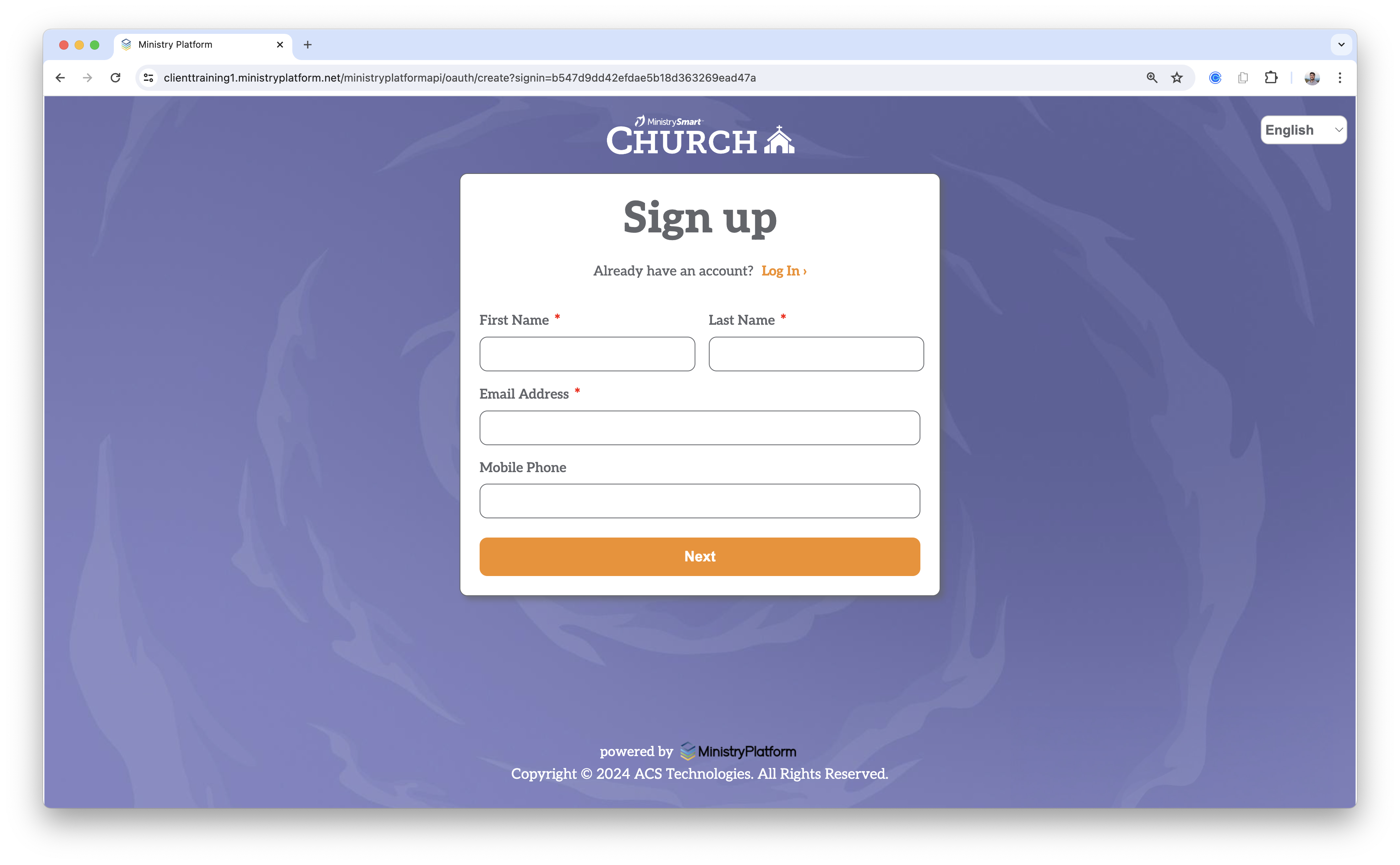
Complete the form and click "Next"

⚠️ Pro Tip: Make sure you use the info below to ensure your account is matched to your existing record. 


First Name: [Nickname] 

Last Name: [Last_Name] 

Email Address:[Email_Address]

Mobile Phone:[Mobile_Phone]


If any of this data has changed, you can update it after your account is created. If you have trouble, respond to this email and we will help you out.

STEP 4


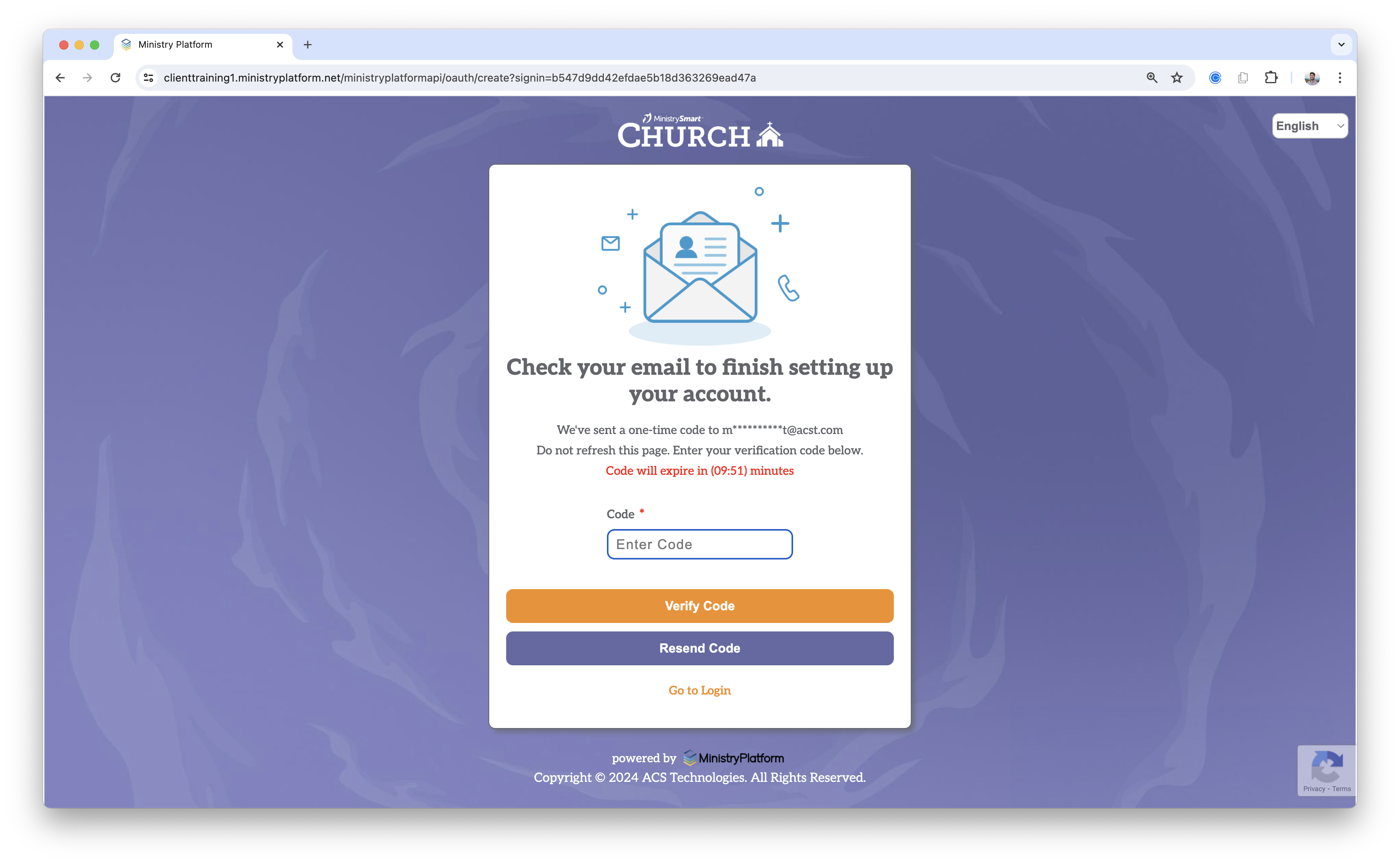
Check your email or text messages for a verification code. Enter it on this screen and click "Verify Code"

STEP 5


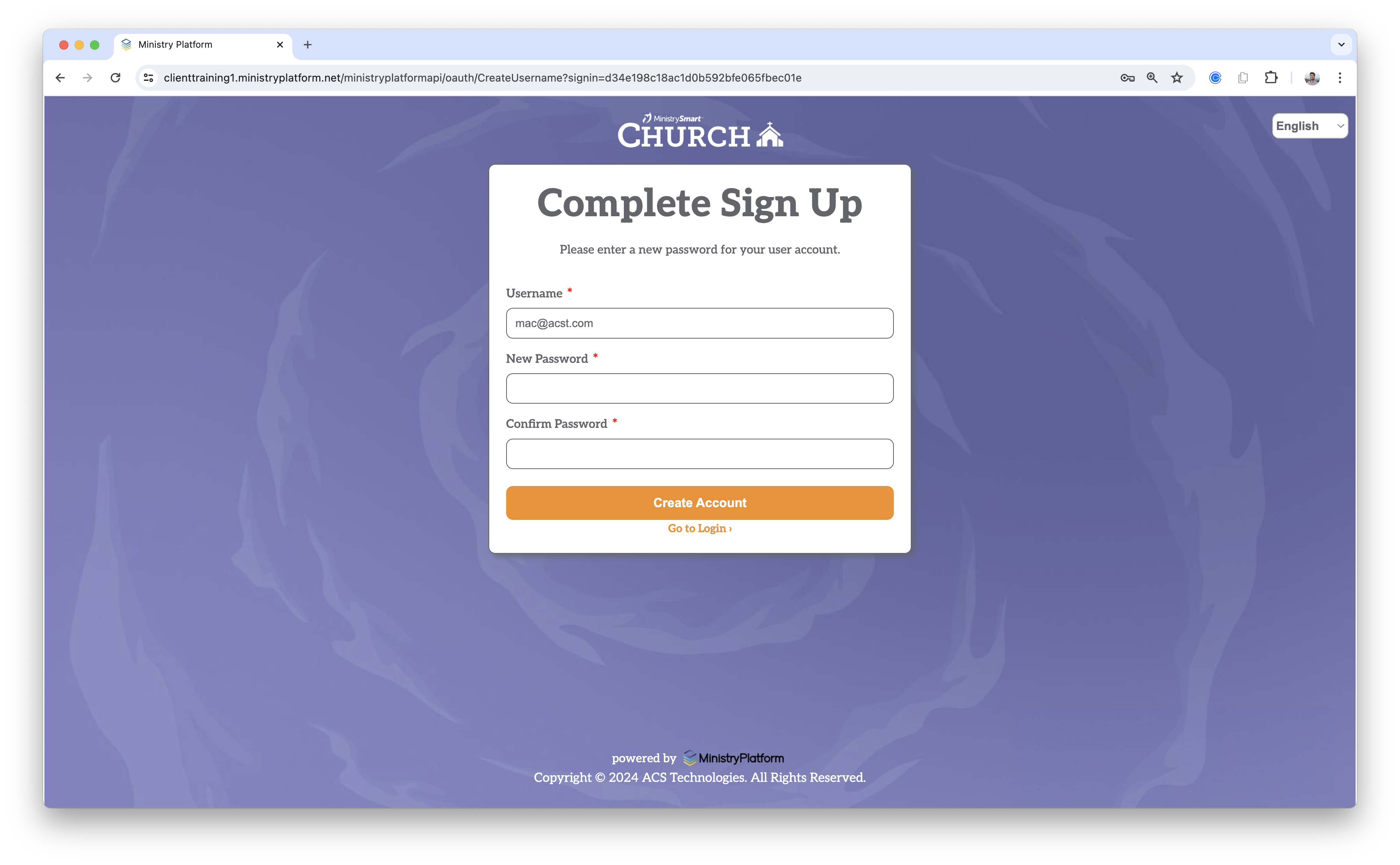
Your username will autofill with your email address. If desired, you can change it.


Create a password and click "Create Account"

STEP 6


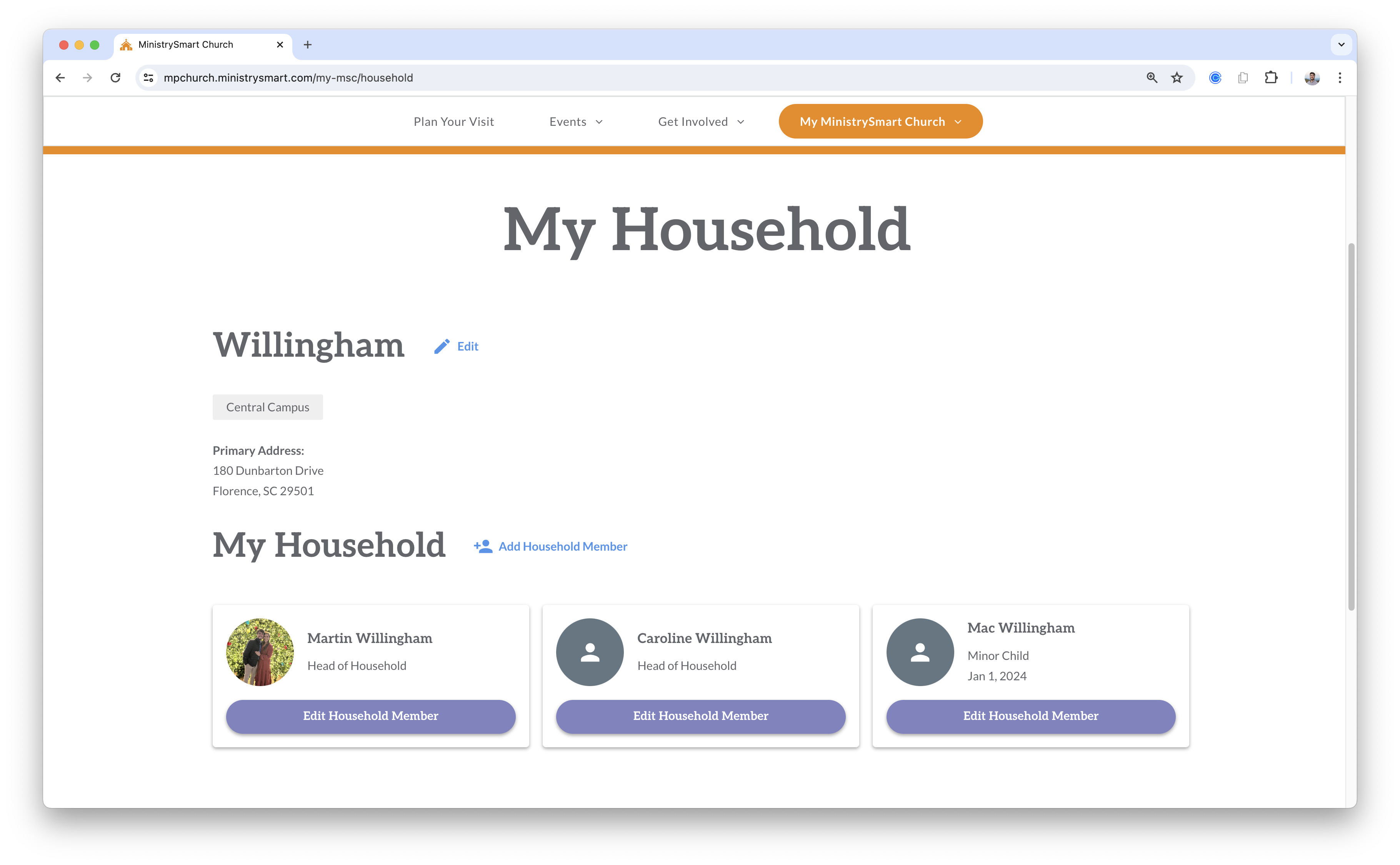
Login to your new account, and you will be taken back to our website! 


Congratulations 🎉

You're In!

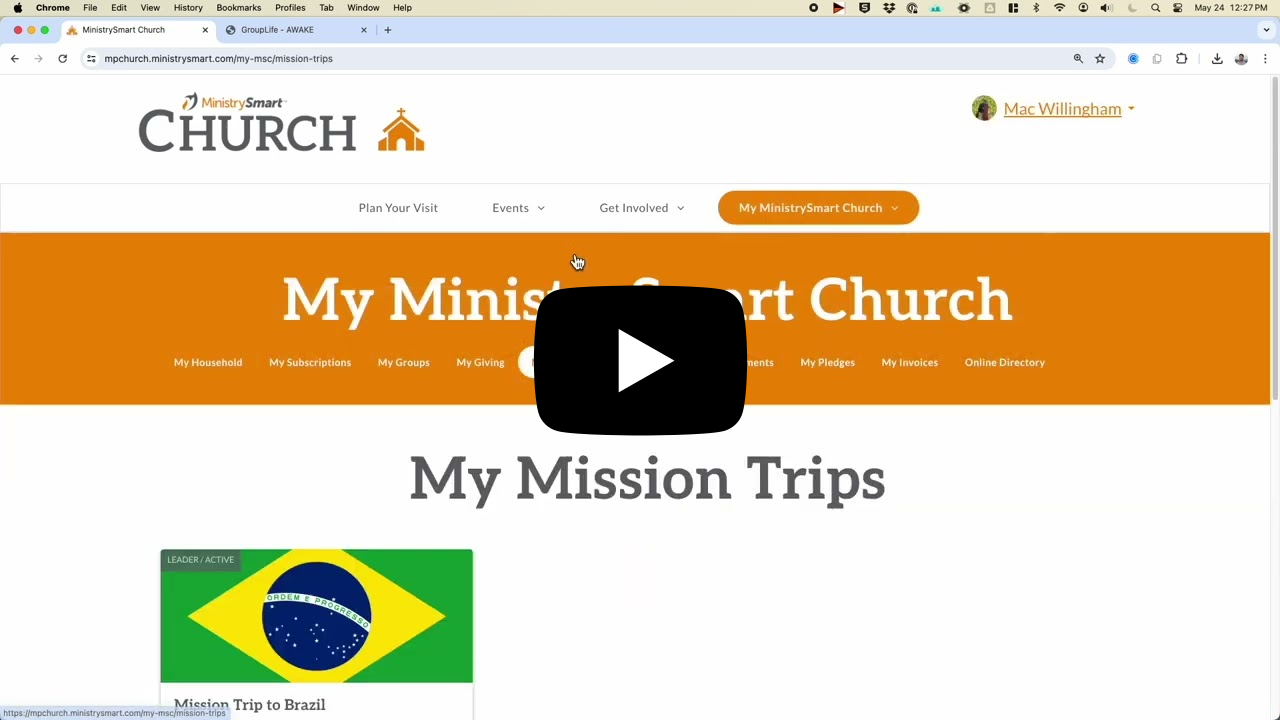
Check out the video below to learn about some of the cool features your My MSC account offers.

Video

If you have any issues getting your account created, please feel free to contact us at help@mpchurch.ministrysmart.com. We will be happy to help!


Blessings,

MinistrySmart Church

powered by: